
Inspiration
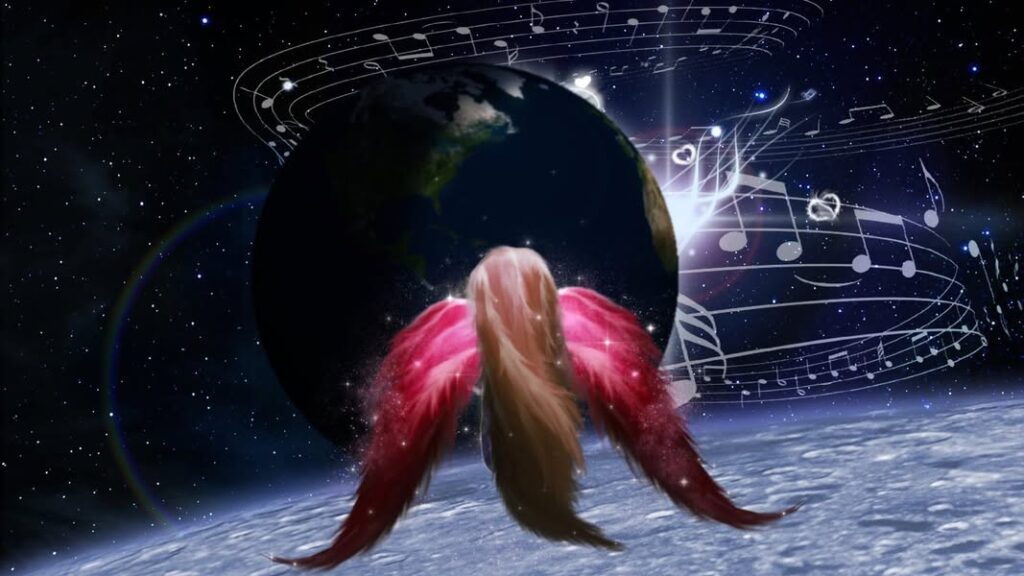
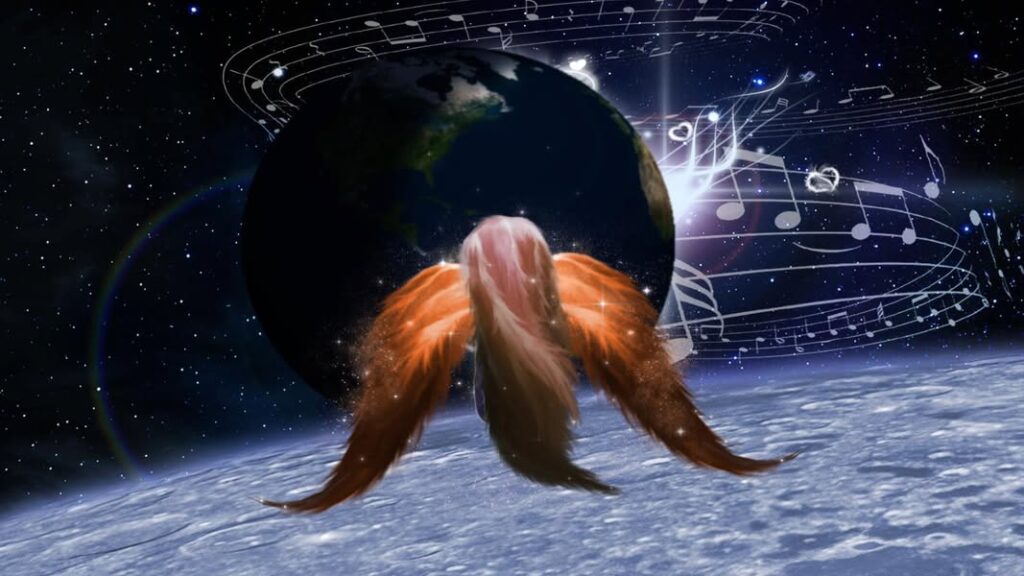
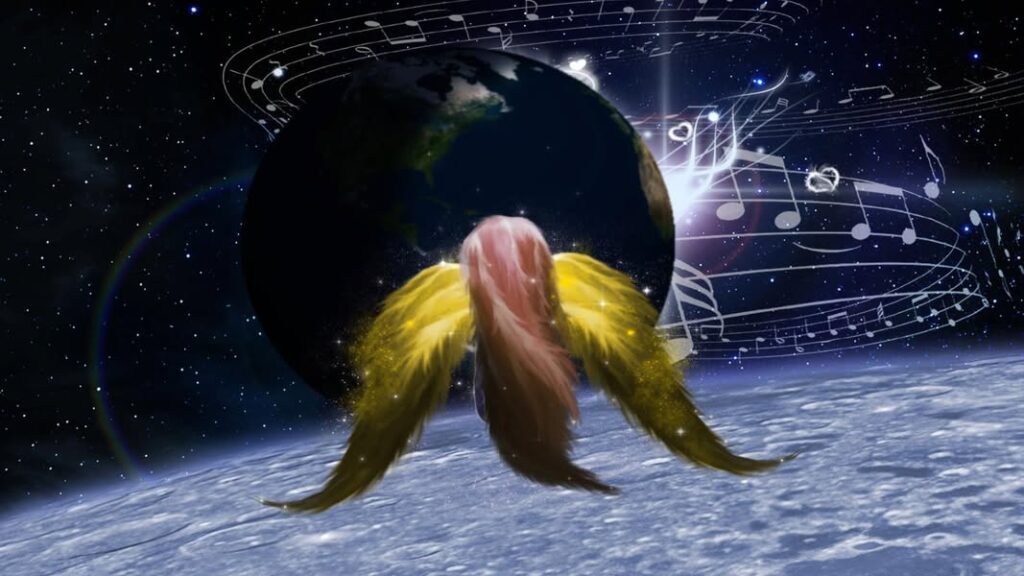
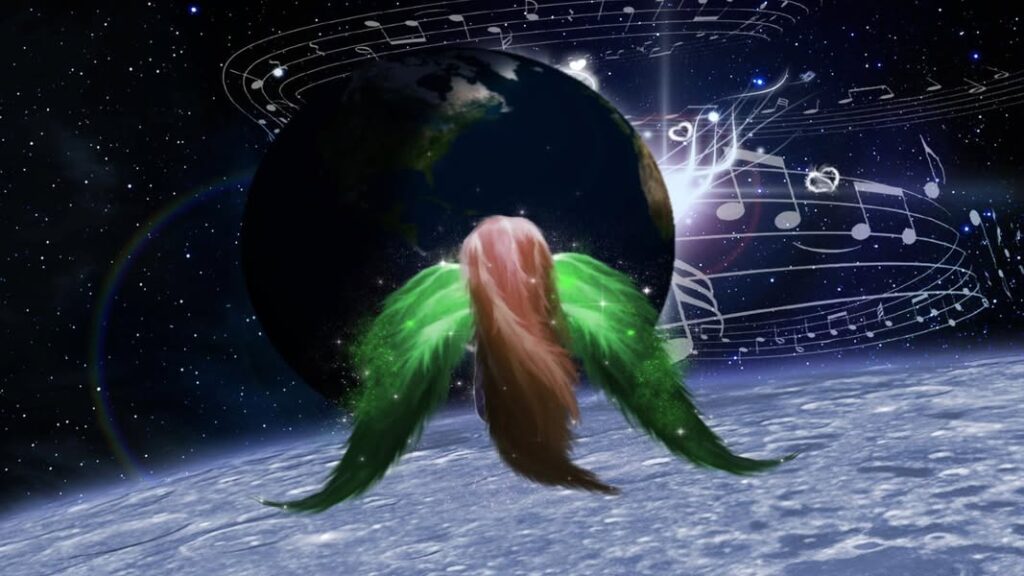
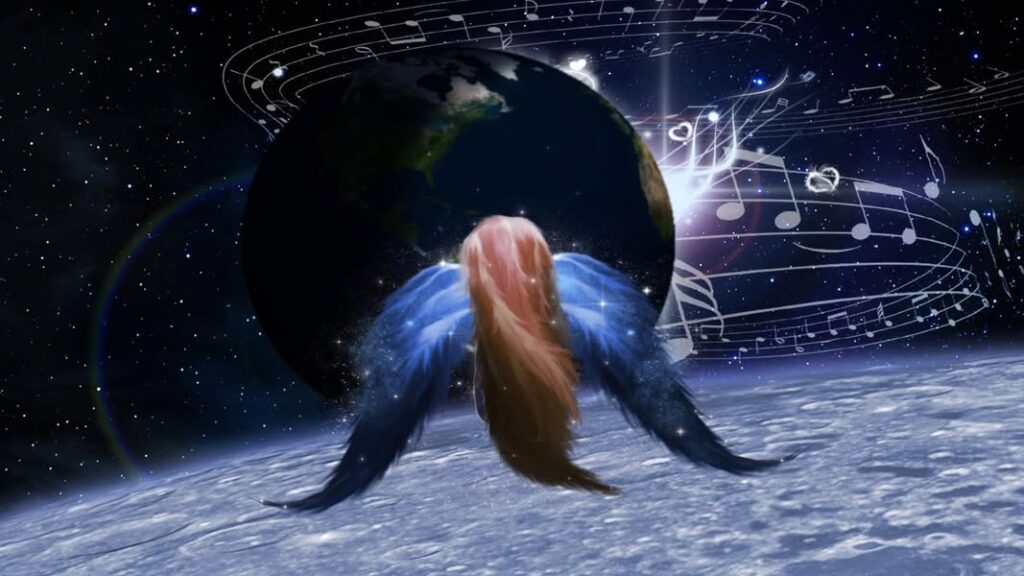
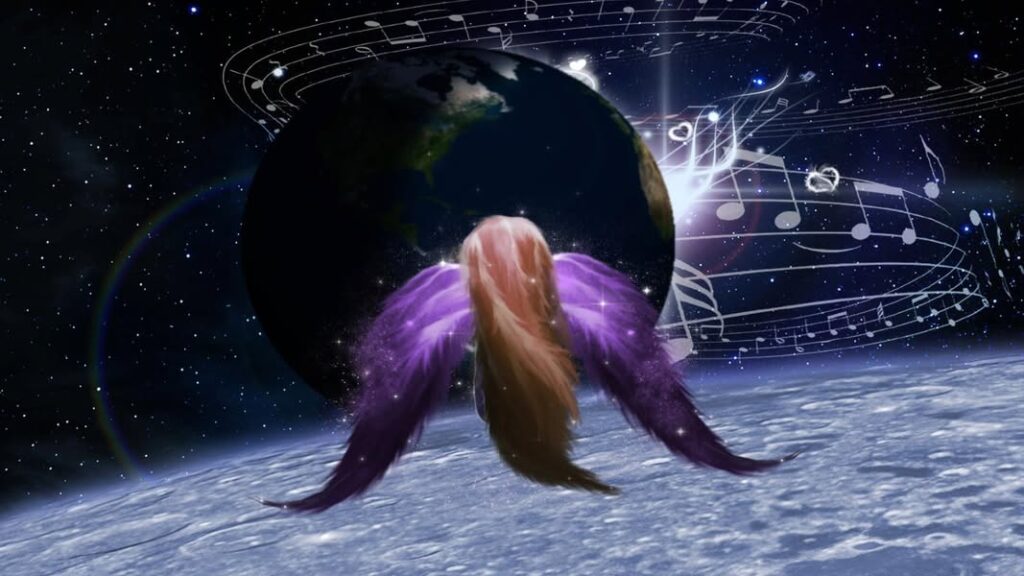
This artwork gallery page features my “Fairy on the Moon” pieces in 6 different colors. I created these images based on a dream I had back in 2010 or so. Before I went to bed on this night, I was wondering where my said soulmate lives. I ended up flying to the moon on that night and found myself looking at Earth while sitting on the moon. This dream was not super helpful in actually landing exactly, as I found myself looking across the globe in various areas such as Europe and multiple cities across the USA. I did find myself looking at the North Carolina area at one point in the dream and my eyes staying there for a moment. I eventually looked at some watch in the dream and saw it say 7:42am. I said “oh sh*t, I need to go back!” I starting flying back towards Earth and actually ended up waking up around 7:44am. My alarm clock didn’t go off this morning for some reason.
It turned out a little over a year after this dream, I did in fact relocate to North Carolina as I was living in Michigan at the time. Perhaps this dream was telling me that this man actually travels a lot? Apparently, in astrology per my natal chart, the moon is conjunct the galactic center. For anyone who knows me, my dreams are rather layered and can be rather vivid or surreal in nature. I also don’t wear watches, as I find they die on me relatively quickly. I created this Youtube video for fun (uploaded April 13, 2013) with these images attached with the Enigma song “Sitting on the Moon” playing at the bottom of the page for your viewing pleasure.
Creation Methodology
As for how I created these images back in 2012, I unfortunately discovered today that the original website is gone, as well as some other tutorials! Forgive me for not completely remembering what all I used for this one. I used an image of a flower petal and manipulated it using tools, such as the Smudge tool to create the fairy’s hair, body and wings. For the Earth, I used an image of Earth and used the Spherize filter and I believe also the Gaussian Blur effect. The moon itself I applied a glowing effect to via a photograph. I found To create the sun, I used one of the Lens Flares effects in Photoshop and applied a nifty glow brush above the sun to give it a more stylized look. I used clip art for the musical notes, and created a star background for the stars themselves and applied some cloud brushes on a separate layer.
Sources
Sparkle Brushes by Demosthenesvoice
Glow Brushes by Hawksmont
Create Starry Night Sky Tutorial
Valentine Glow Heart Brushes by Hawksmont